Create a project and connect Fluensy
A project keeps your chats and instructions for one language together.
 ChatGPT
- Open Home in the left sidebar if it’s collapsed. Find Projects and click the + next to it. Some layouts show New project in the sidebar.

- Enter a name such as Learn German and select Create project.
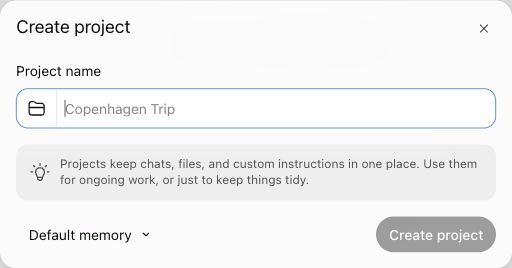
- Connect Fluensy to ChatGPT if you haven’t already. In a new chat inside your project, type @ and select Fluensy to start practicing.
- To add your own instructions, open the project’s ••• menu, choose Project settings, and paste them into the instructions field.
 Claude
- Open Projects in Claude’s left sidebar and choose New project in the upper right.

- Name the project for your language, such as Learn German, and select Create project.
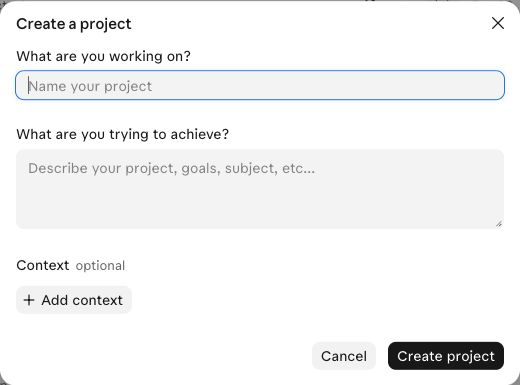
- Connect Fluensy to Claude if you haven’t already. In a chat inside the project, open +, choose Connectors, and turn on Fluensy.
- To add your own instructions, choose Set project instructions on the project page, paste them in, and select Save instructions.