Practice in chat
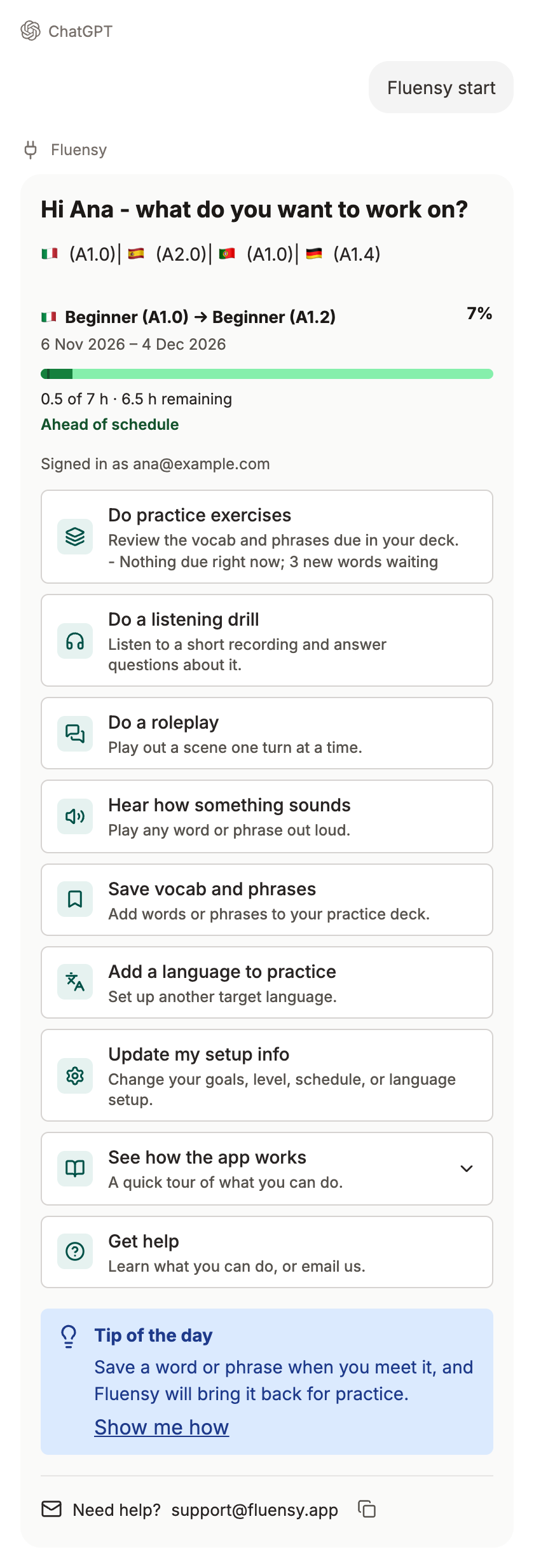
Open a text chat with Fluensy. Type “Fluensy Home” to see your options or “Fluensy Help” any time you need help.
Drills and roleplays
Ask for a short drill or a roleplay at your level. Answer in chat and ask Fluensy to explain any correction you want to understand.
View screenshots
These screenshots show Fluensy in ChatGPT.
Home screen
Pick a practice activity or update your setup.
Practice a little every day
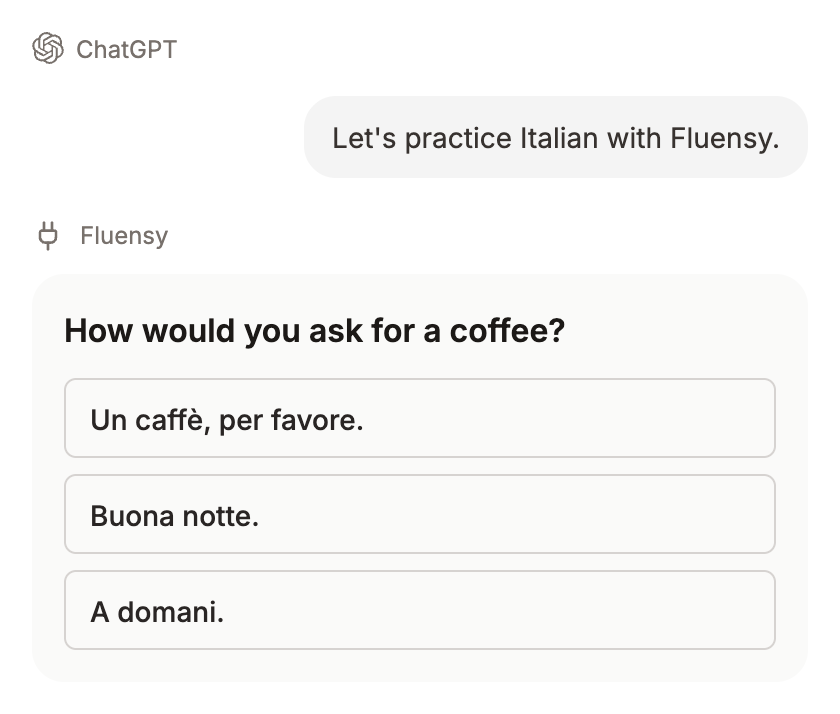
Ask for practice. Fluensy brings back words that are due and introduces new challenges at your level.
Try a conversation
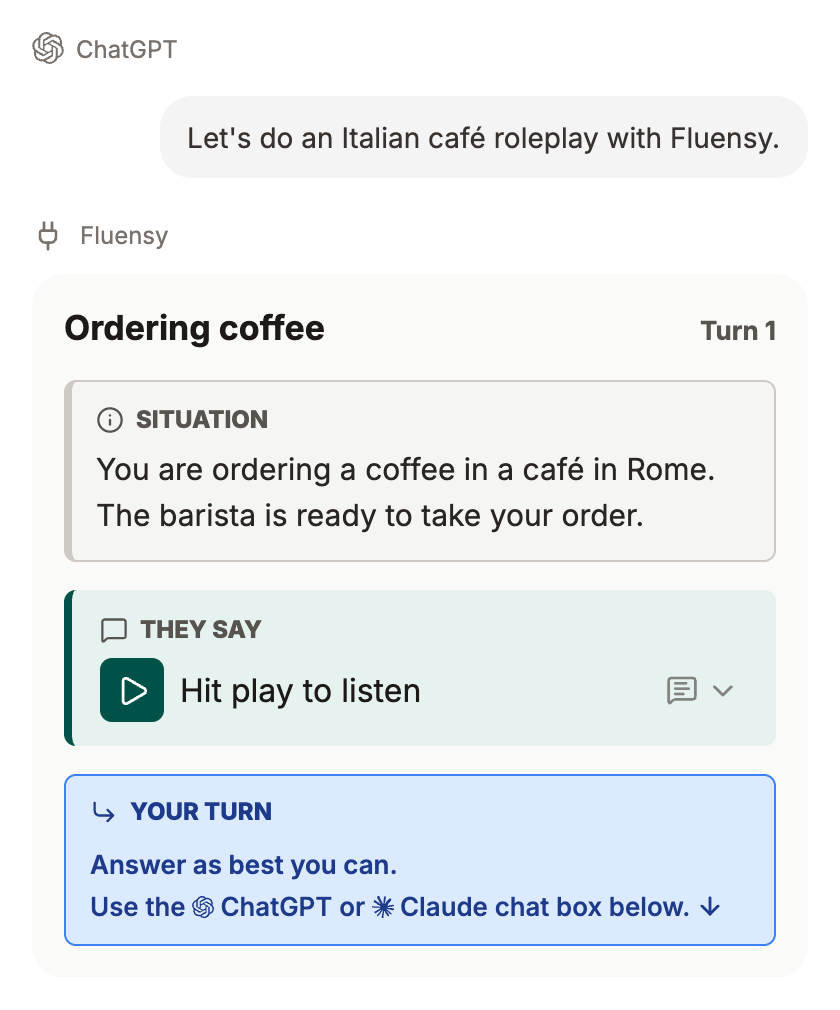
Ask for a roleplay and reply in your chat. Try everyday situations before you need them.
Save and review phrases
Ask Fluensy to save a phrase you want to remember. Saved phrases can come back in later practice, and you can ask to hear how they sound.
View screenshots
These screenshots show Fluensy in ChatGPT.
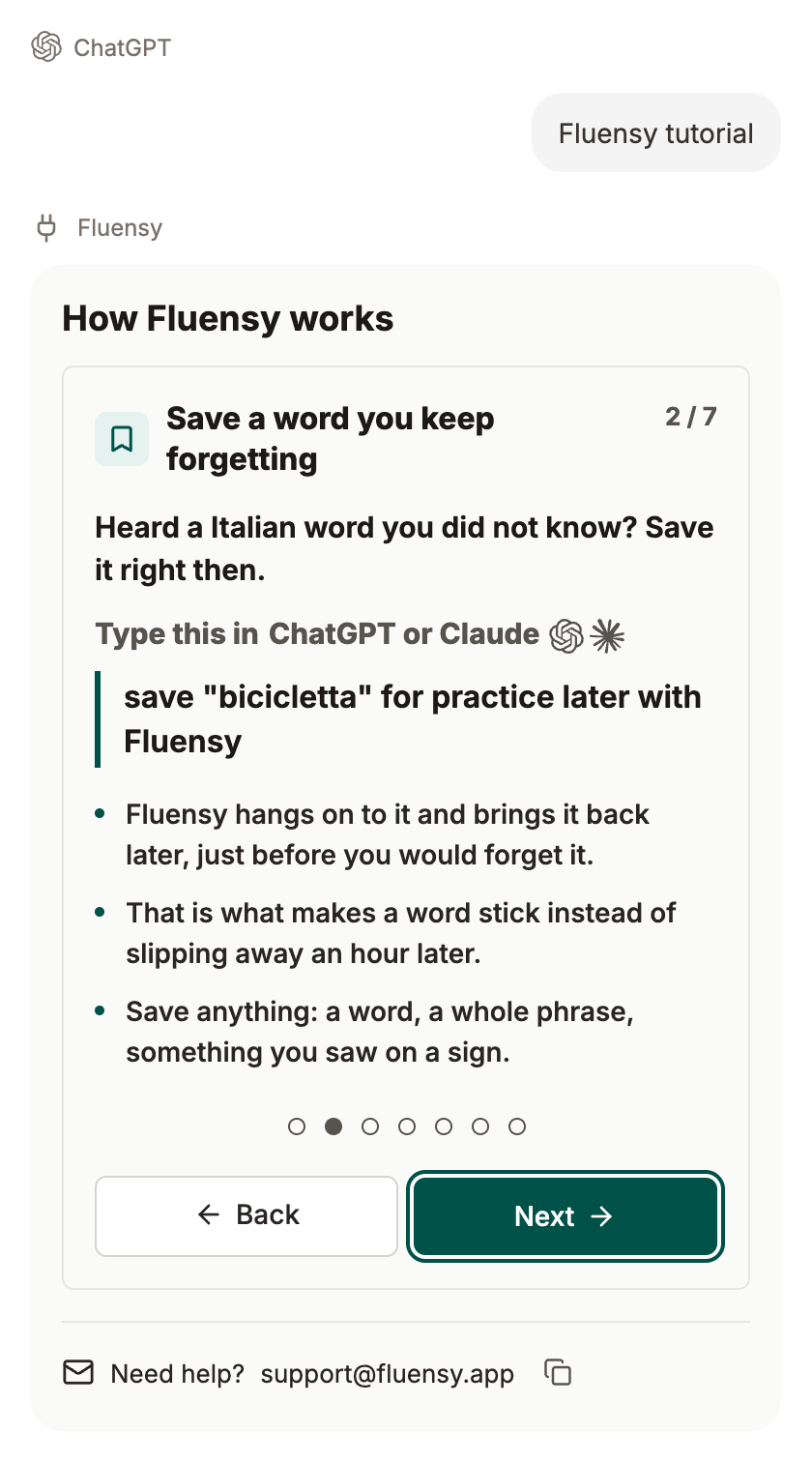
Save a word
Ask Fluensy to save a word or phrase. It comes back in future practice, just before you forget it.
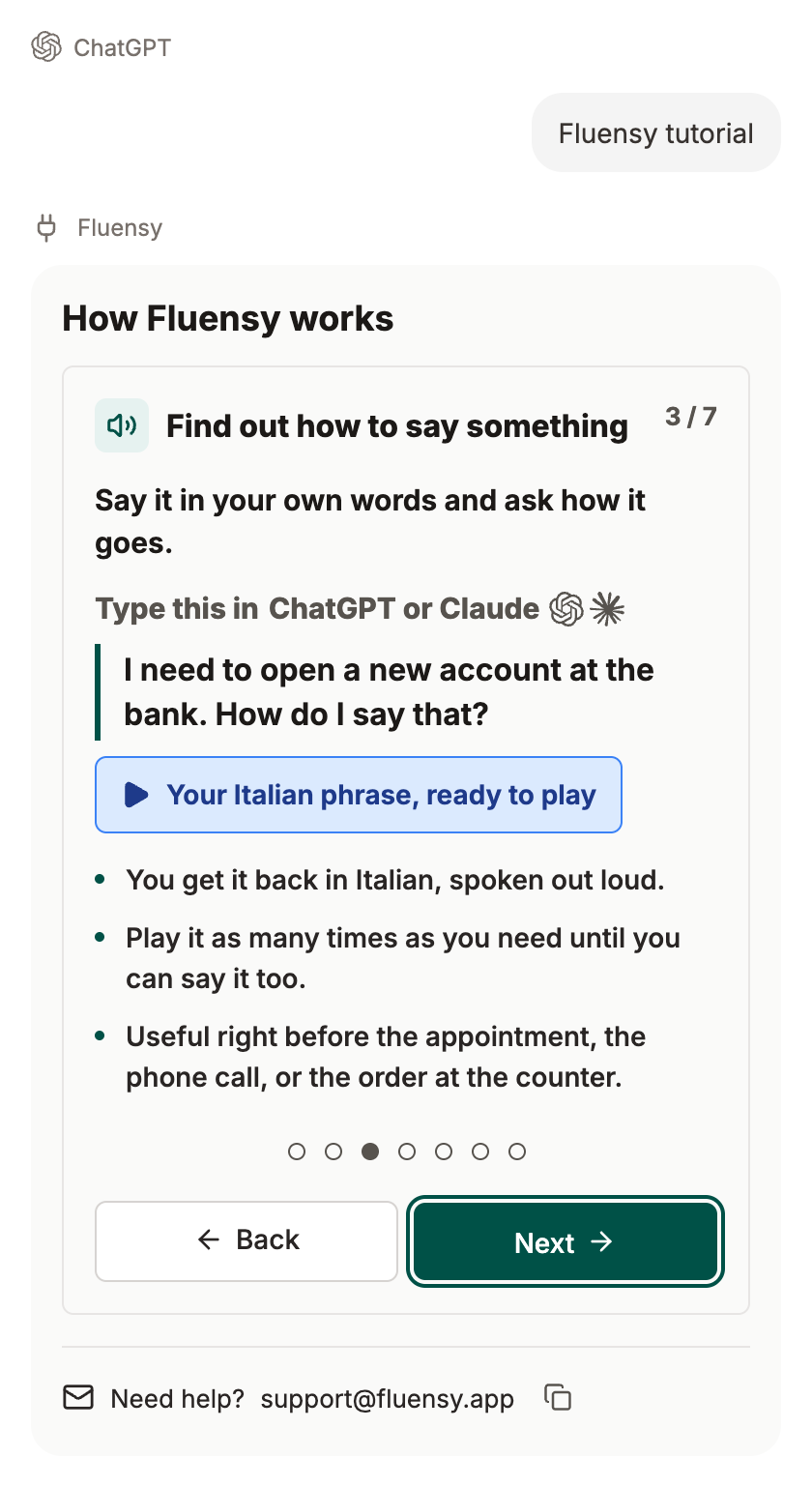
Hear how something sounds
Ask how to say something in your learning language. You can play the phrase again in your chat.
More ways to practice
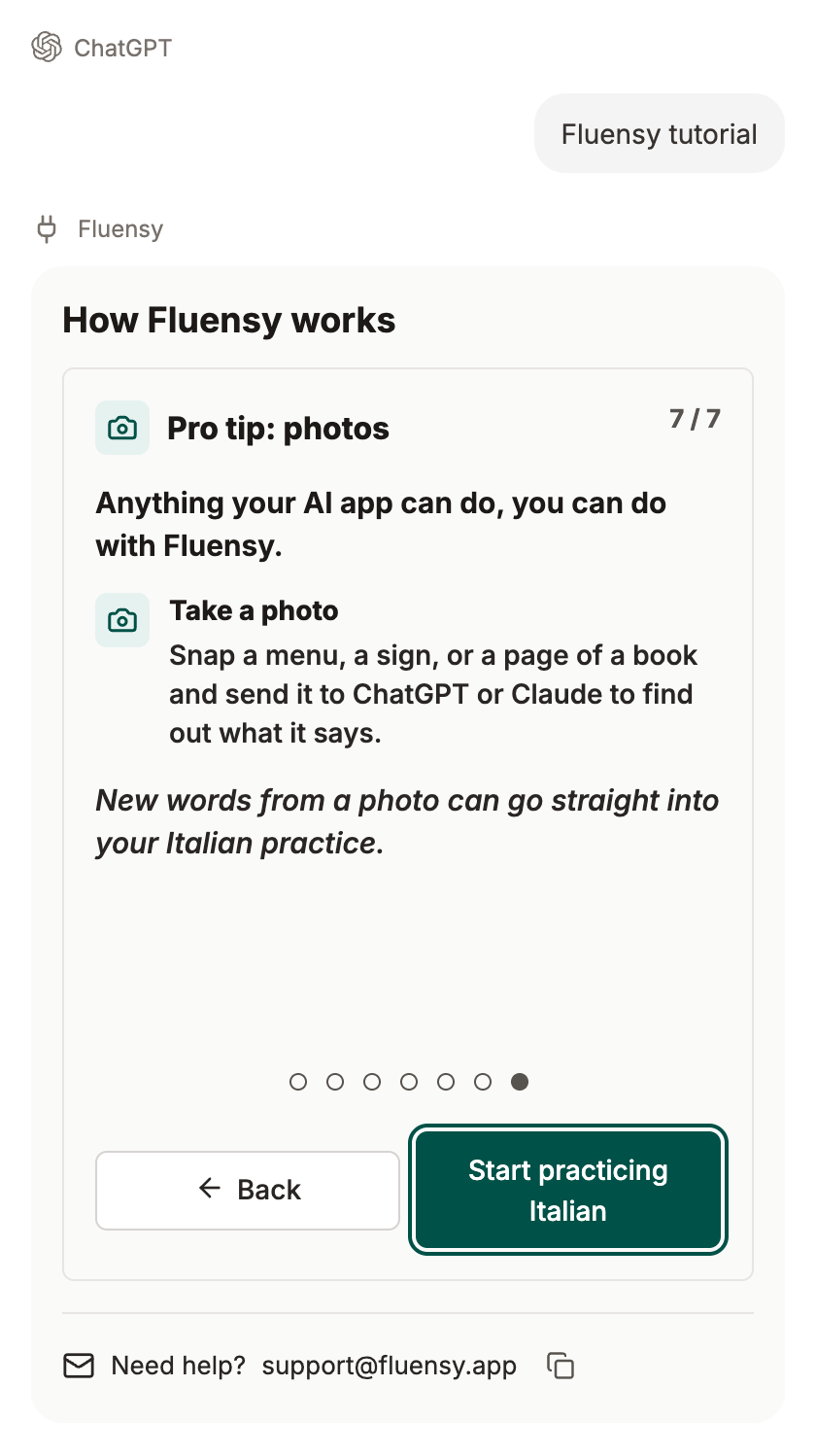
Type “Fluensy tutorial” for a quick tour. You can also keep practice chats in a project or share a photo to learn words from it.
View screenshots
These screenshots show Fluensy in ChatGPT.
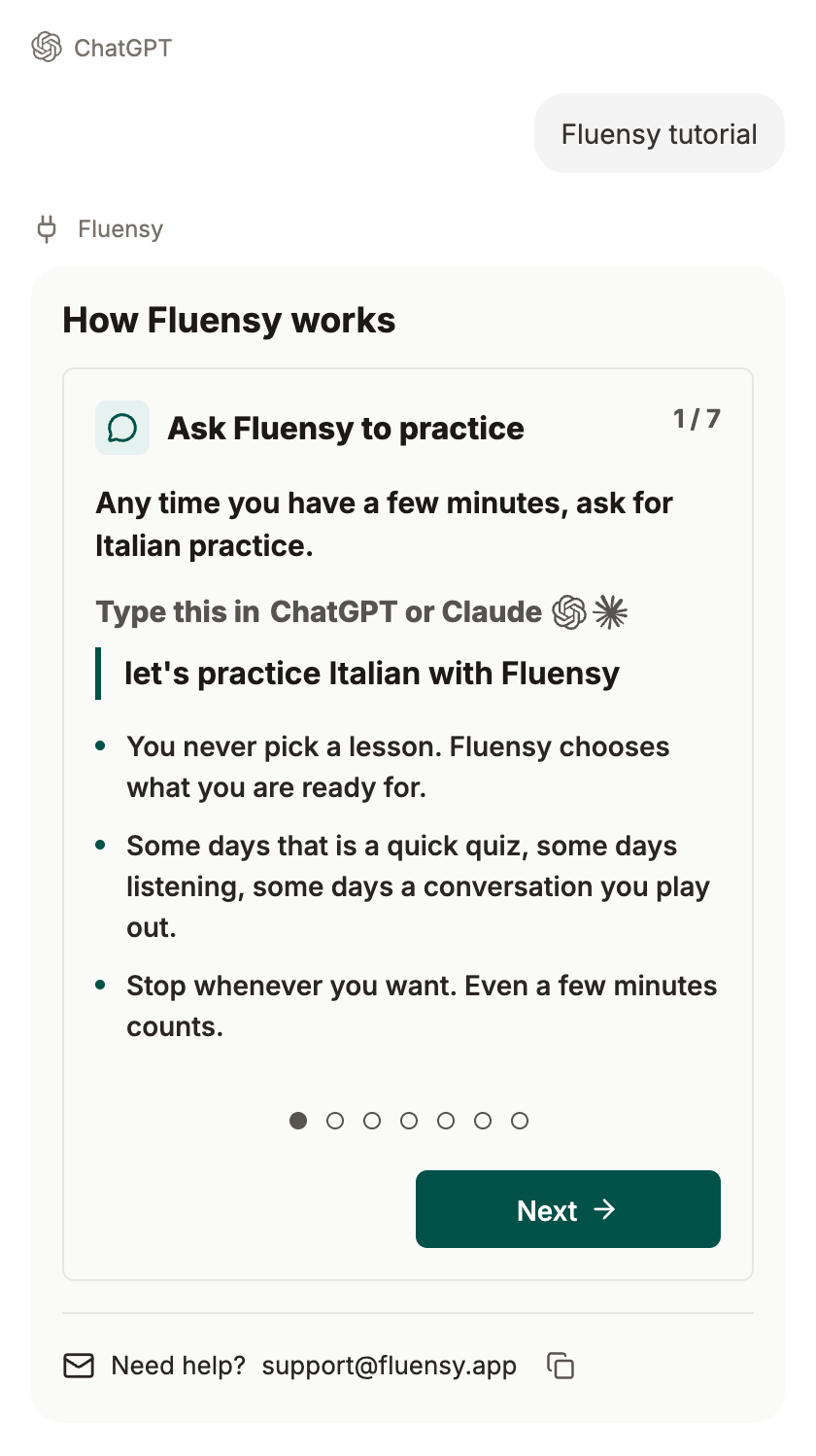
Take a quick tour
Type “Fluensy tutorial” any time for a tour of what you can do.
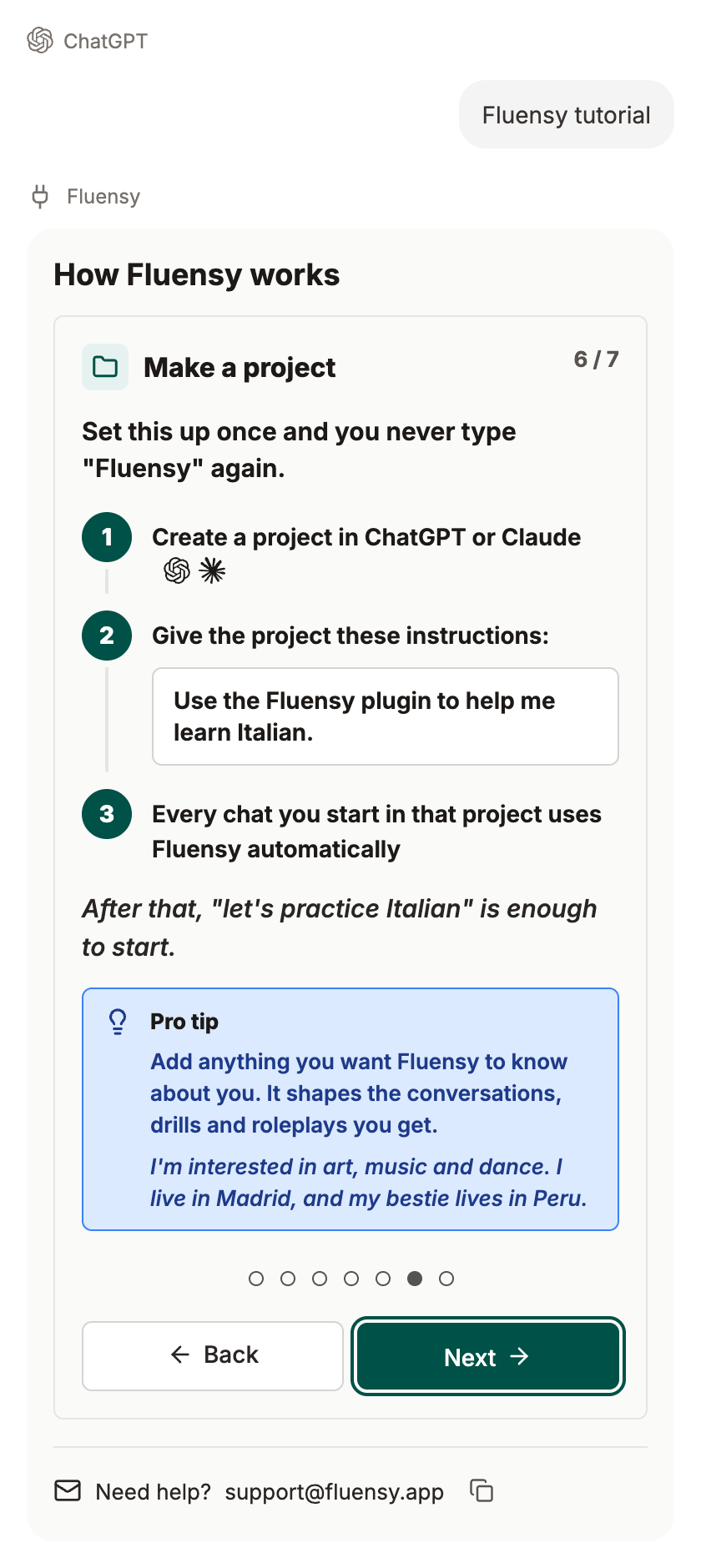
Make a project
Keep your Fluensy chats in a ChatGPT or Claude project with instructions to use Fluensy for your language.
Photos and your voice
Send a photo to your chat app to discover new words, or use its dictation to reply instead of typing.